The goosebumps
Your solo vocal opens up into a full room of real singers, still singing your words.
 Now on macOS
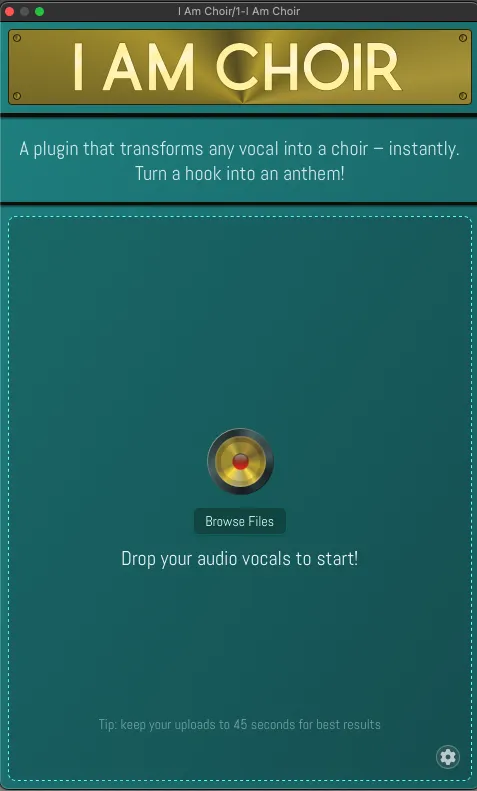
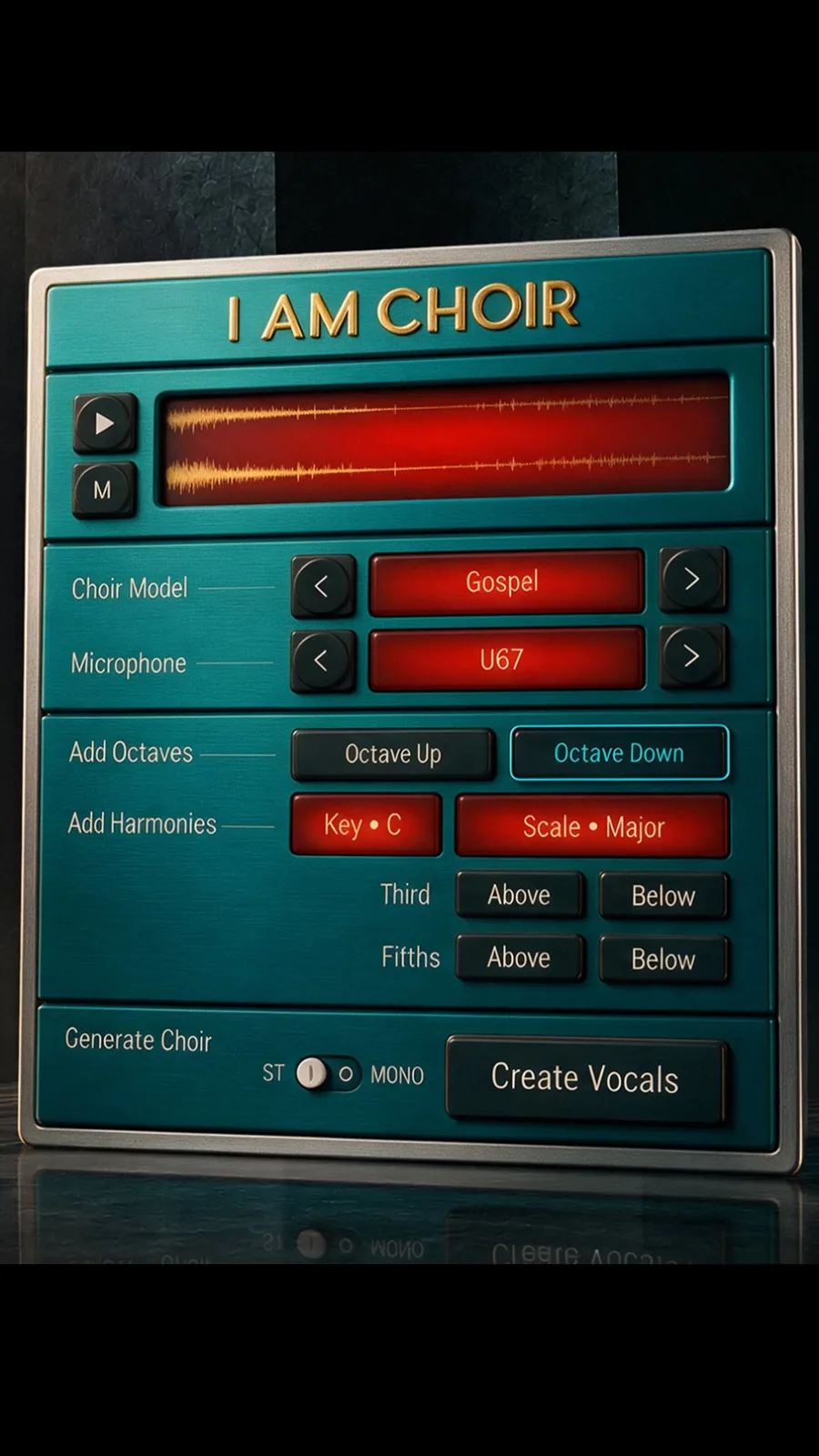
Sing it once. I AM CHOIR sends back a real choir, recorded together in one room, singing your words, melody and timing. Right inside your DAW on macOS.
Why it sounds different
As covered by Sound On Sound Sonicstate AltWire Monthly Mixing (Korea) Musiques.live
Praised by the producers behind
Producers whose credits include Blink-182, My Chemical Romance, Aerosmith, Halsey, Lizzo, Papa Roach, Machine Gun Kelly, Three Days Grace and more.
Inside the sessions
AM I AUDIO is a team of producers, engineers and ML researchers. Every choir model was captured in real recording sessions with credited singers, then built to run inside the DAW you already use.
01 / Listen
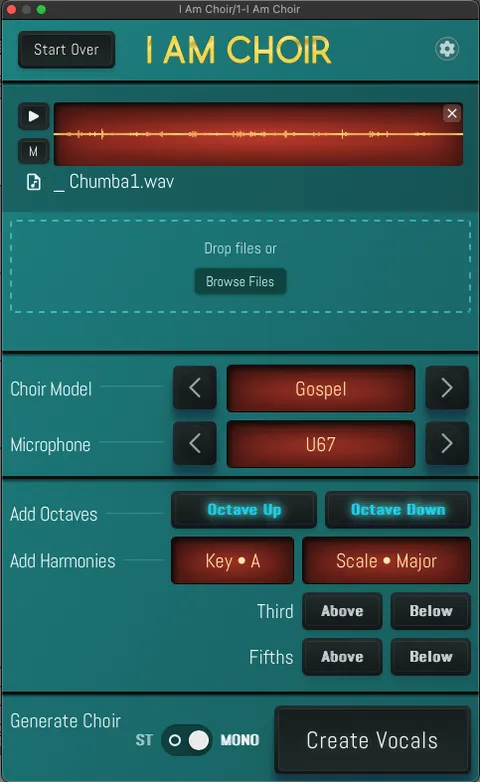
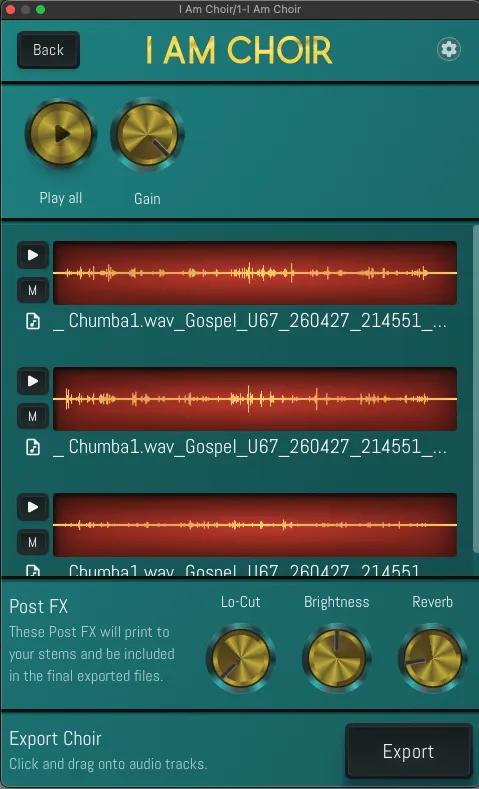
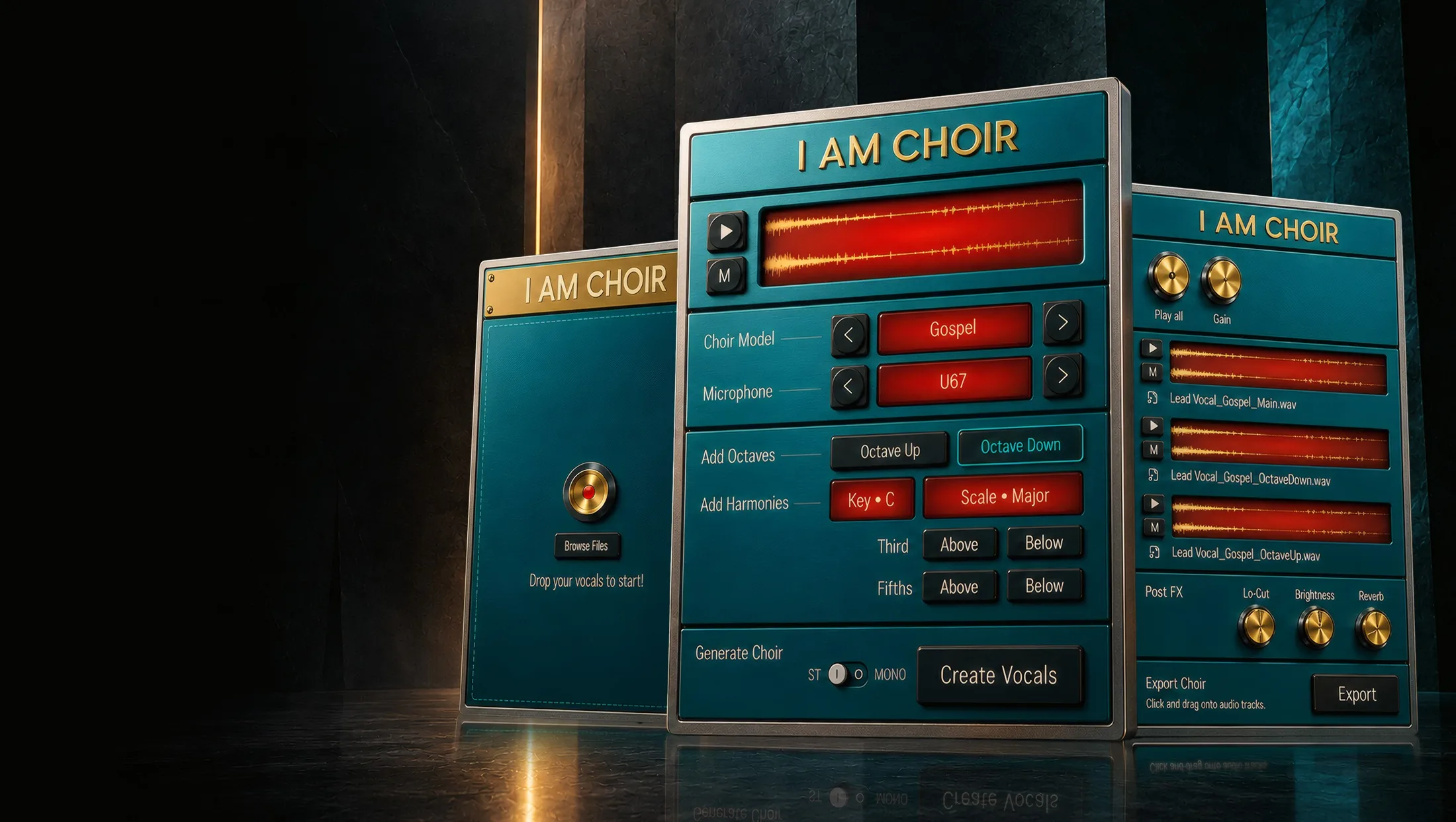
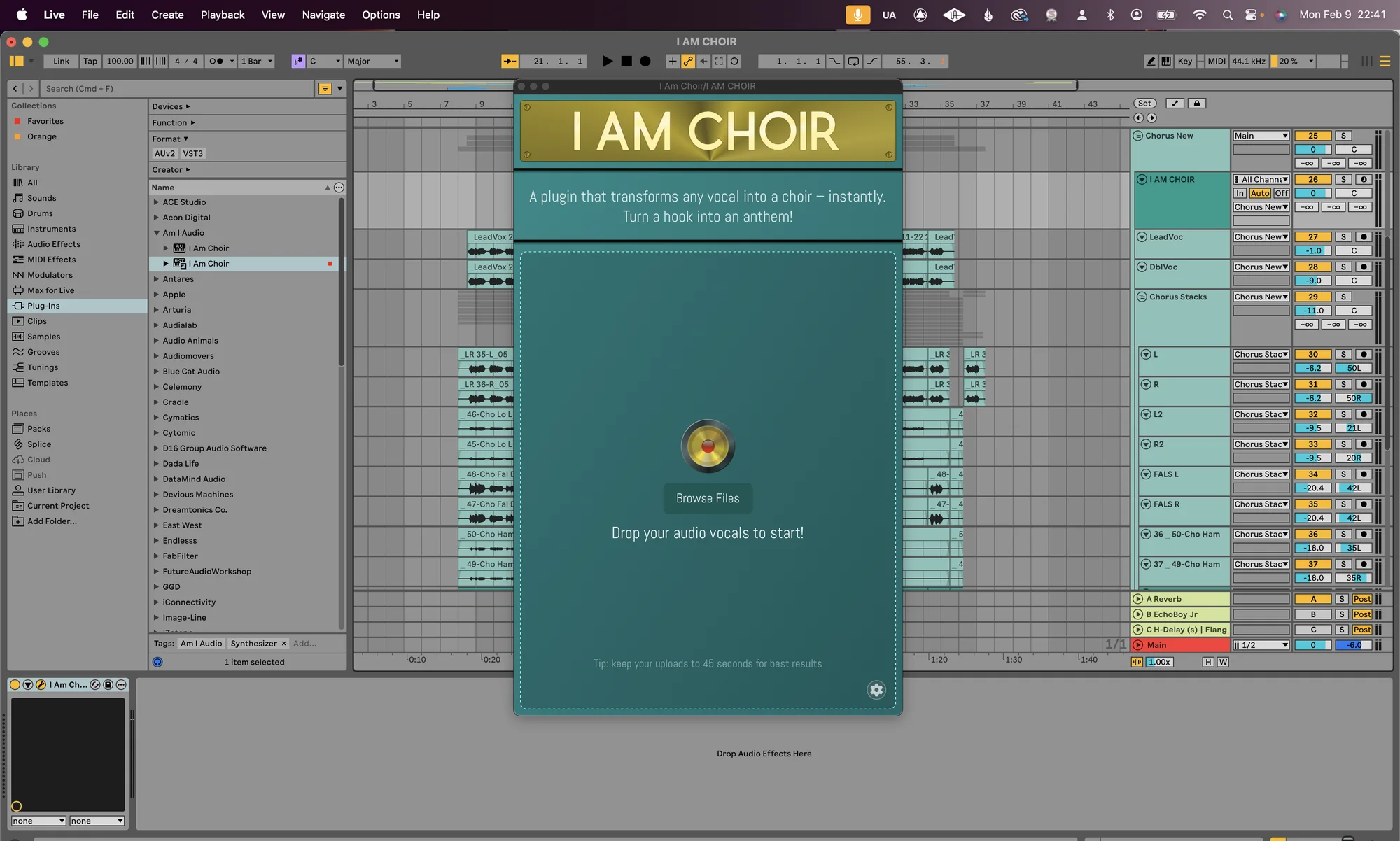
One dry vocal goes in. Pick a choir, hit Create Vocals, and drag the result back onto your timeline.
Press play. Watch the choir come in0 / 10
Sound on. Demo audio is the original before and after, unedited.
How it feels
Making records is a feeling game. Here is what a session with I AM CHOIR is built to give you.
Your solo vocal opens up into a full room of real singers, still singing your words.
The last chorus finally hits a level up. The part you always heard in your head is right there.
Ten Gospel voices, eleven kids, twelve shouters. Real people you can credit on the record.
Buy once and keep it. No credits, no tokens, nothing running out mid-session.
02 / The difference
Your words, your melody, your phrasing. Not an "ahh" pad you have to bend around the track.
The performance follows the timing of your vocal, so it drops straight onto the track.
Audio processing happens locally. Your sessions never leave your computer.
Buy once, own it forever. No subscriptions. No tokens. No credits to run out of.
03 / Workflow
Import a solo vocal up to 45 seconds with Browse Files or drag and drop.
Gospel, Children's or Gang Vocals. Add octaves, thirds and fifths in key.
Audition the takes, shape them with Post FX, then drag the audio straight onto a track.
04 / Meet the choirs
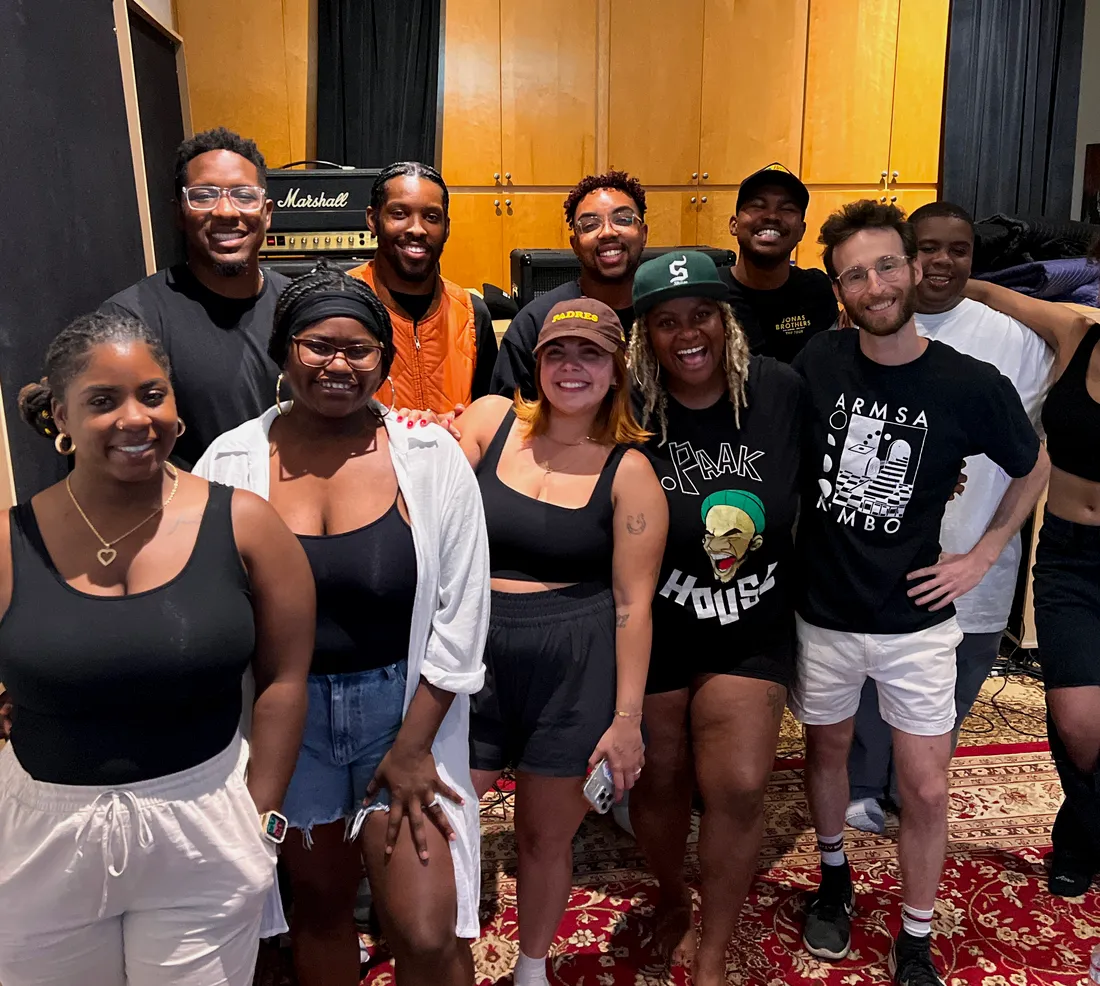
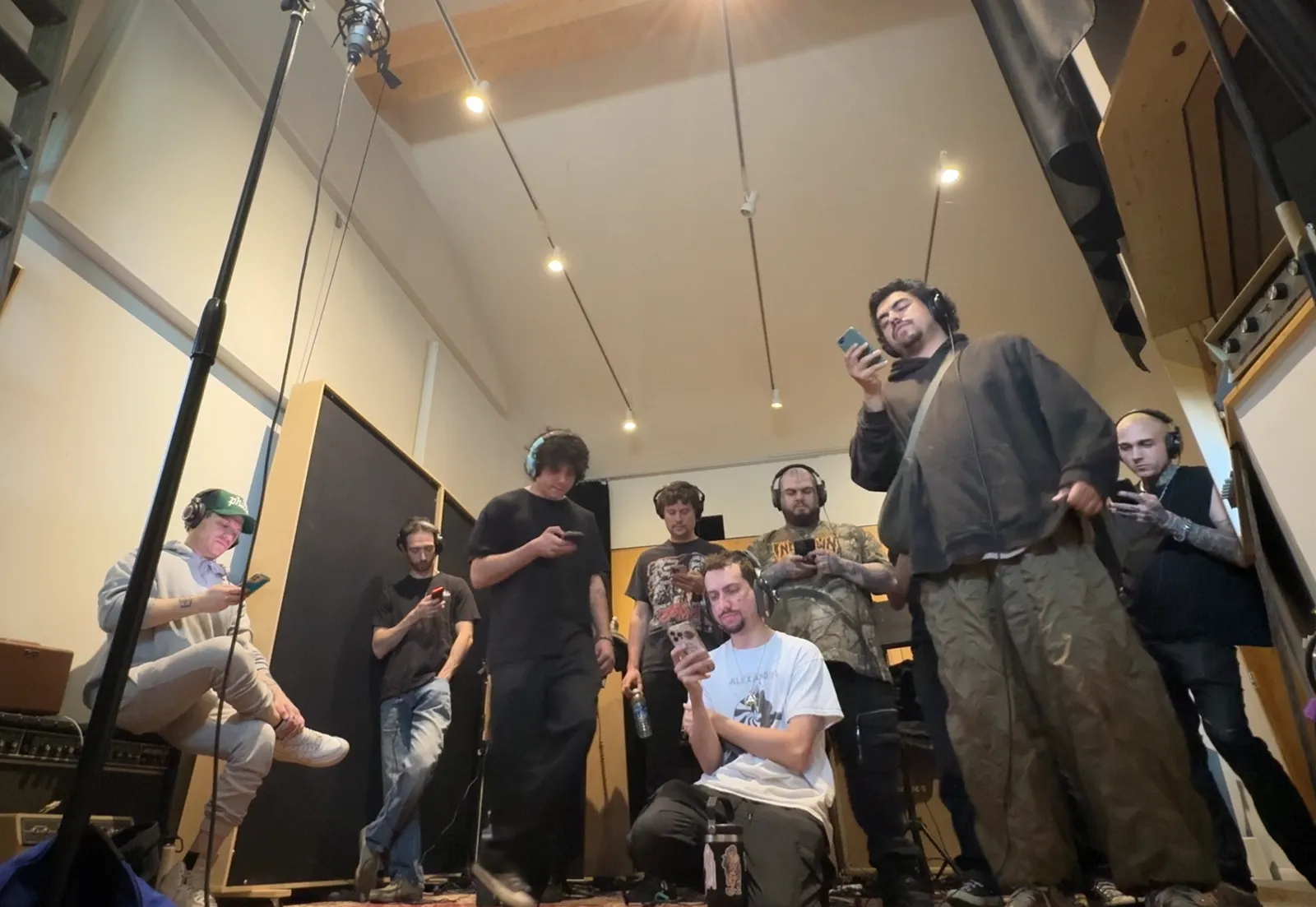
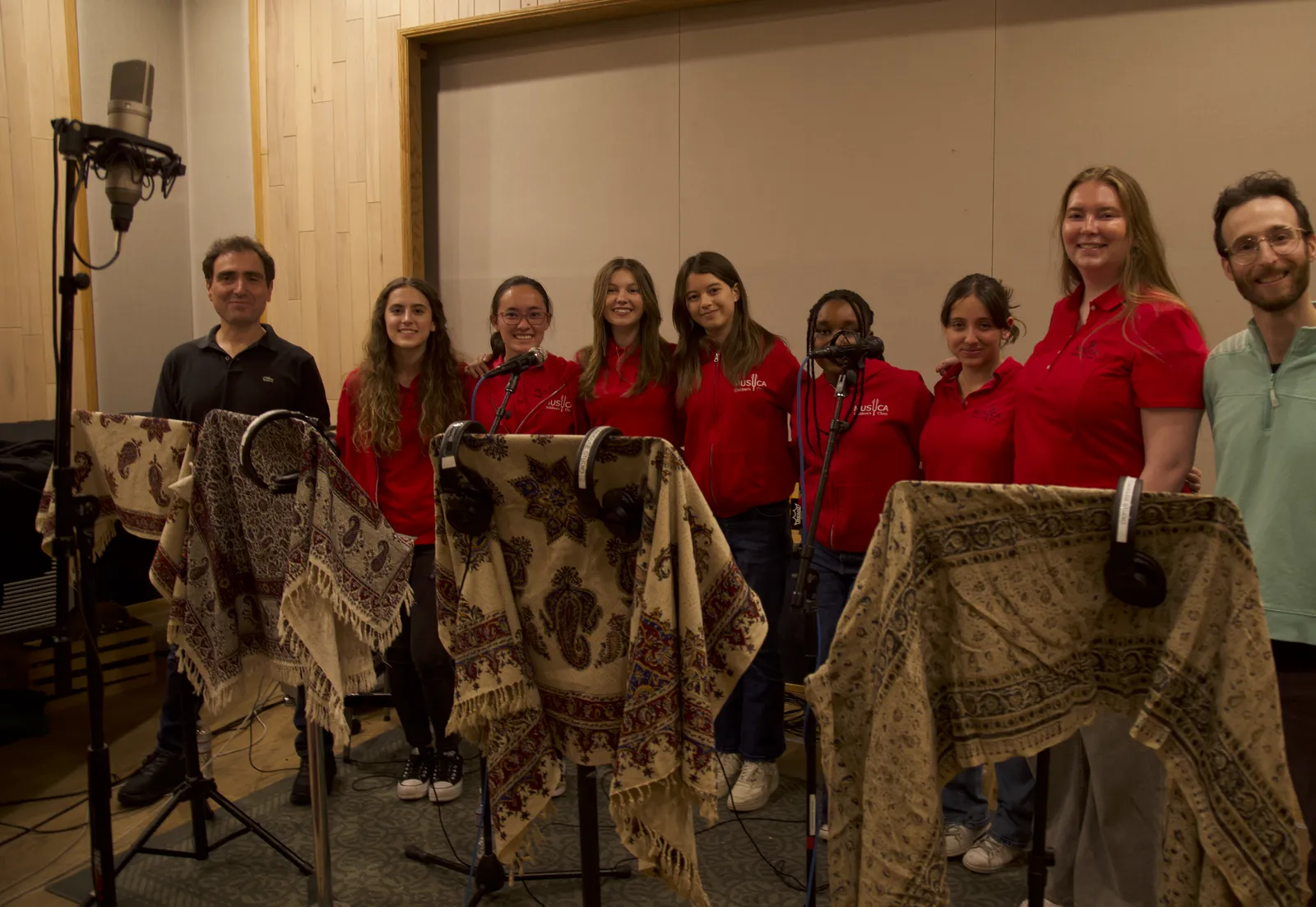
Every model was recorded in session with singers who chose to be part of it, and who are credited by name. Pick a choir to see who is on it.
Model A / Gospel Choir
10 credited voices
Model B / MUSYCA Children’s Choir
11 credited voices
Model C / Gang Vocals (Shout)
12 credited voices
05 / In the room
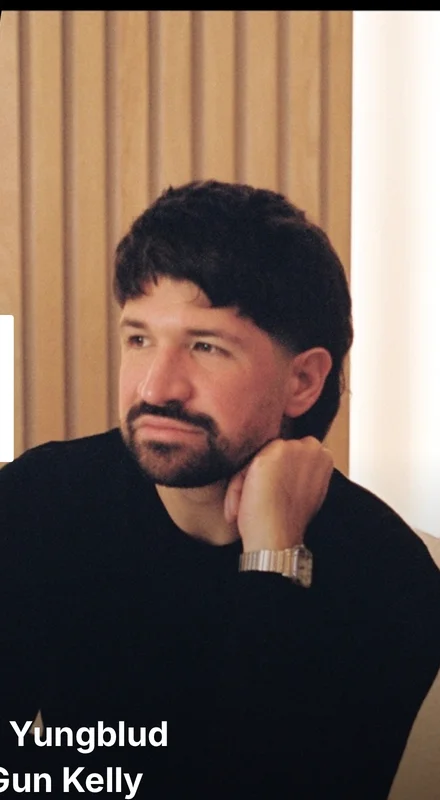
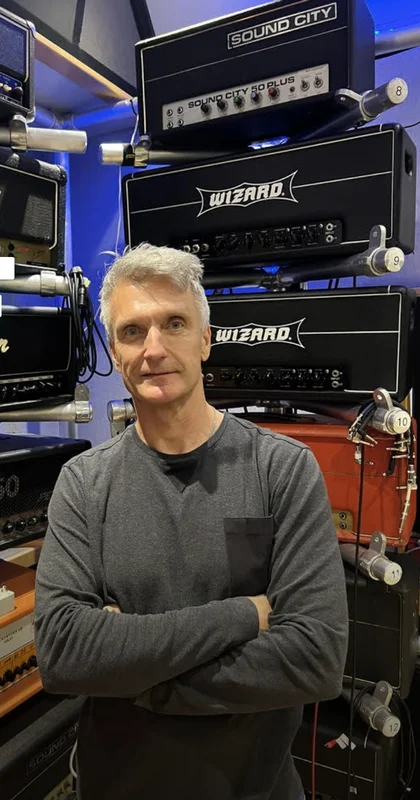
Producer Mixer
Blink-182 · Bring Me The Horizon · Yungblud · 5 Seconds Of Summer · Machine Gun Kelly · Halsey
I AM CHOIR has quickly become one of my favorite ways to add life and thicken up choruses. Amazing tool.
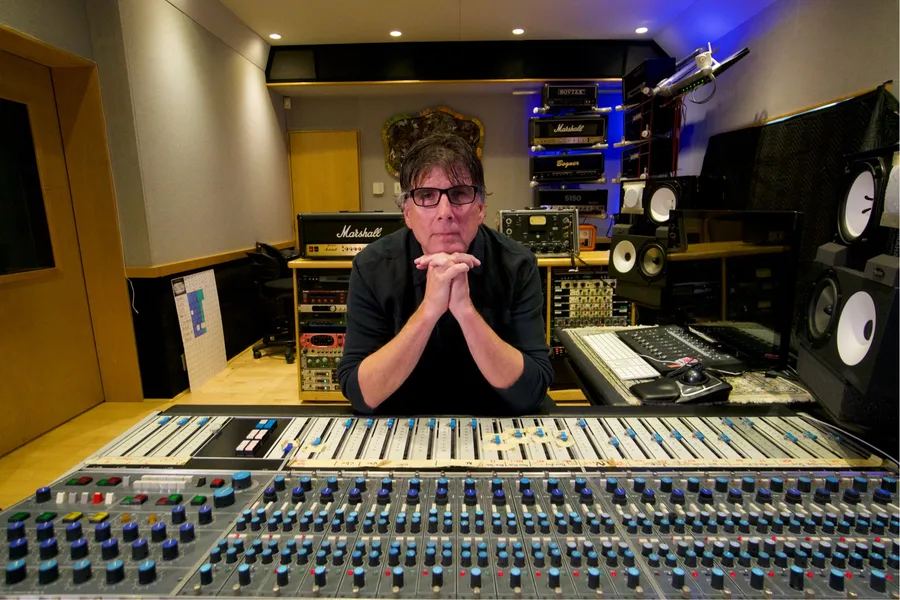
Producer Mixer Engineer
Aerosmith · Van Halen · Kiss · Kelly Clarkson · Buckcherry · The Cranberries · In Flames
I AM CHOIR gives me size without the phasing and cloudiness you get from artificial doubling and stacking. I've never had a plugin that could do this.
Producer
My Chemical Romance · All American Rejects · Three Days Grace · Papa Roach · Hoobastank · Kelly Clarkson
When I've already completely stacked the hook with doubles and harmonies, I AM CHOIR is my go-to for more power.
Producer
Lizzo · Travis Barker · Kim Petras · Polyphia · Icona Pop
Instant chorus lift every time.
Producer
Terror Jr · DVBSS · Blackbear · MOD SUN · Tana Mongeau
Whether you're after the authentic sound of a full choir or an experimental group vocal layer for pitch manipulation, I AM CHOIR takes your productions to a new level.
Seen on Instagram
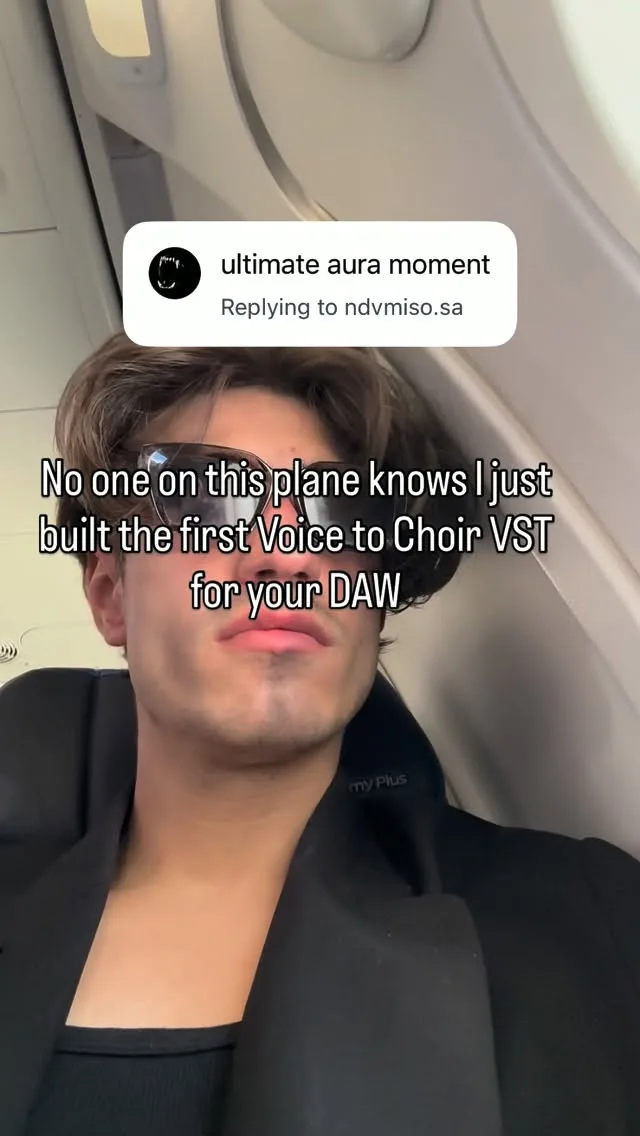
Watch it the way producers first saw it: co-founder Vincent Ernst trying the three choirs, the launch-day reel and the countdown with the whole team. Tap any card to watch it on Instagram.
@vinzernstVincent Ernst · Magnolia Park · AM I AUDIOLaunch reelFirst 2 days on Instagram
From AM I AUDIO's Instagram Insights for the first 48 hours after launch, August 2026.
06 / How it was made
Every voice in I AM CHOIR was contributed knowingly and with consent. The singers were paid for their work, and they share in the success of the tool through a royalty.
Nothing replaces humans singing together in a room. This is an expansion of what's possible: a gospel lift, a kids' choir hook or a terrace-sized gang vocal, for producers who couldn't book one before.
07 / Own it
Try the full plugin for 14 days. No credit card. If it earns a spot in your template, buy it once and keep it.
Perpetual license
macOS 12+ · VST3 · AU · AAX. Windows is in development. Sign up for the Windows beta.
08 / Specifications
09 / Built by producers
We are producers, engineers and researchers who kept chasing the same feeling: the moment a whole room sings your song back. I AM CHOIR is how we share it.
Founder / CEO
Grammy-winning producer and songwriter. Longtime MIYAVI collaborator and composer of the All-In and Acquired podcast themes. Research lead at Water & Music.
Founder
Linkin Park drummer, and co-writer and co-producer of From Zero, nominated for two 2026 Grammys. Producer and writer for Papa Roach, One OK Rock, All Time Low and 5 Seconds of Summer.
Founder
Keys and bass in Epitaph's Magnolia Park. Producer and songwriter with 150 credits, and the one who brought the first idea that became I AM CHOIR.
Lead ML Research Engineer
Leads the AI research behind I AM CHOIR. Former Berklee assistant professor, AI Song Competition 2025 finalist and jazz drummer.
ML Research Engineer
Berklee Electronic Production and Design grad who blends machine learning with classic DSP in C++ and JUCE. Helped build and ship I AM CHOIR.
Founding Advisor, Head of Growth
Co-founded Songlink, acquired by Linktree. Led growth at Kits AI, acquired by Splice. Runs the I AM CHOIR creator program.
ML Research Engineer
ML researcher at Stability AI. Co-founder of Dadabots.
Advisor
Grammy-winning engineer. Founder of Schwabe Digital.
Advisor
Multi-billion-stream producer, songwriter and artist.
10 / Creator playbook
Ten workflows taken from how working producers use I AM CHOIR. Each one leads with the result, then the exact steps. Download any of them as Markdown and keep it next to your session.
Instant chorus lift every time.
Lil AaronProducer · Lizzo, Travis Barker, Kim Petras
I AM CHOIR has quickly become one of my favorite ways to add life and thicken up choruses.
Zakk CerviniProducer, mixer · Blink-182, Bring Me The Horizon, Yungblud
I AM CHOIR gives me size without the phasing and cloudiness you get from artificial doubling and stacking. I've never had a plugin that could do this.
Mike PlotnikoffProducer, mixer, engineer · Aerosmith, Van Halen, Kelly Clarkson
When I've already completely stacked the hook with doubles and harmonies, I AM CHOIR is my go-to for more power.
Howard BensonProducer · My Chemical Romance, Three Days Grace, Papa Roach
Whether you're after the authentic sound of a full choir or an experimental group vocal layer for pitch manipulation, I AM CHOIR takes your productions to a new level.
Tony RodiniProducer · Terror Jr, DVBSS, Blackbear
You want choir across a whole arrangement, not just one chorus.
Results sound glitchy or unclear. Ninety percent of fixes start here.
Skills for your AI assistant
Drop a SKILL file into any assistant that takes custom instructions. It will plan your choir parts, fix setup issues or write your post captions using the same rules we use.
Plans which sections get choir, which model and mic, key and scale, and which layers to try first.
Download skillDiagnoses activation, import, export, timing and sound issues using the official FAQ steps.
Download skillWrites before and after post captions that stay inside the brand guardrails.
Download skill11 / FAQ
23 answers from the official I AM CHOIR support guide. More in the resources hub or at [email protected].
Looking for workflows? Open the creator playbookIt turns a recorded solo vocal into a choir performance. Import your audio, choose a choir and microphone, generate the vocals, then drag the result back into your DAW. It works from a recorded vocal file, not from MIDI notes or typed lyrics.
Activate your license in iLok License Manager, open your DAW, and import a short dry solo vocal under 45 seconds with Browse Files. Choose Gospel and U67 for a sung line, or Shout for a shouted part. Leave harmonies off, click Create Vocals, then drag the result onto an audio track.
Gospel is the starting point for melodic singing and fuller chorus parts. Kids suits higher melodies and a brighter texture. Shout is built for gang vocals and chants. For Gospel or Kids start with U67. For Shout compare C24 for a cleaner sound with U67 for more grit.
macOS 12 or later, in VST3, AU and AAX. Windows is in development, and you can sign up for the beta to test it early.
Search for I AM CHOIR or the manufacturer AM I AUDIO. In Logic, look under AU Instruments on a Software Instrument track. In Pro Tools, check Other in the insert menu. Then confirm the license is active, restart the DAW and rescan plugins.
No. Choir processing happens locally on your computer. Internet is only needed for license activation and the one-time model download during setup.
No. Your license is deposited into the iLok account you enter at signup or checkout. Activate it in iLok License Manager (Available, right-click, Activate) before opening your DAW. Signing in to the website alone does not activate it. A physical iLok USB is optional.
Check that the User ID in iLok License Manager matches the one you entered at checkout. Your iLok User ID can be different from your email. Look in Available and All Licenses, then close and reopen License Manager. Still missing? Email [email protected] with your order email and correct iLok User ID.
The paid license is activated separately from the trial. Close your DAW, open iLok License Manager, find the paid I AM CHOIR license and activate it on your computer.
Yes. Each license includes two activations for computers or iLok devices. To move one, deactivate it in License Manager first.
Start with the input. Use one clearly recorded voice singing one part. Remove reverb, delay, distortion, doubles and harmonies. Trim long silence, avoid clipping, and test the main choir with layers off before adding them back one at a time.
Check that Key and Scale match the song, including major versus minor. Then listen with harmonies off. If the main part follows an out-of-tune input, gently correct the source vocal first. Key and Scale shape the harmonies. They do not retune your main vocal.
Choose Octave Up, Octave Down or the harmony buttons before clicking Create Vocals. Only the parts you select are generated. On the output screen, scroll the list to find parts below the visible area.
Octave Up can dominate an already high vocal. Export the parts as separate stems, lower or mute the octave-up track, and balance the main choir with the octave-down part. A little of the original vocal blended in helps clarity.
Mono solo vocal is the easy start. For stereo input, put two different takes of the same part on the left and right channels. You can also process two mono takes and pan the outputs.
The models are tuned for English. Other languages can work, but pronunciation varies. Use the 14-day trial to test the exact phrases you need.
WAV or AIFF with one singer on one line, under 45 seconds per file. For a full song, process verses, choruses or phrases separately and arrange the outputs in your DAW. Consolidate edited regions into a new file first.
Use Browse Files inside I AM CHOIR and pick the consolidated file from its folder. It is the most reliable option when your DAW does not support dragging from the timeline.
Drag the generated audio out of I AM CHOIR onto audio tracks. Use each output's file icon for one part, or the Stems control for all parts. The preview does not play in sync with your timeline, so an instrument-track bounce will not capture it.
Turn off tempo following on the destination track. In Ableton turn Warp off, in Pro Tools set Elastic Audio to None, and in Studio One disable Follow Tempo. Then import the output again.
Neither. It is a $199 perpetual license. Local choir conversions never use credits or tokens.
The trial is fully featured for 14 days, needs no credit card and simply expires. It never charges you or turns into a subscription.
Yes, including commercial songs and client work, under the license agreement. You cannot sell or share outputs as isolated samples or sample packs, build sample libraries or instruments from them, or use them for AI training. Check your distributor's current AI-disclosure policy before release.